Enrol in a Classroom
You can join a classroom in DCACLab in one of two ways:
-
Automatic enrolment: Your teacher will create a DCACLab account for you and share the login credentials with you. You can then log in to DCACLab and access your assignments.
-
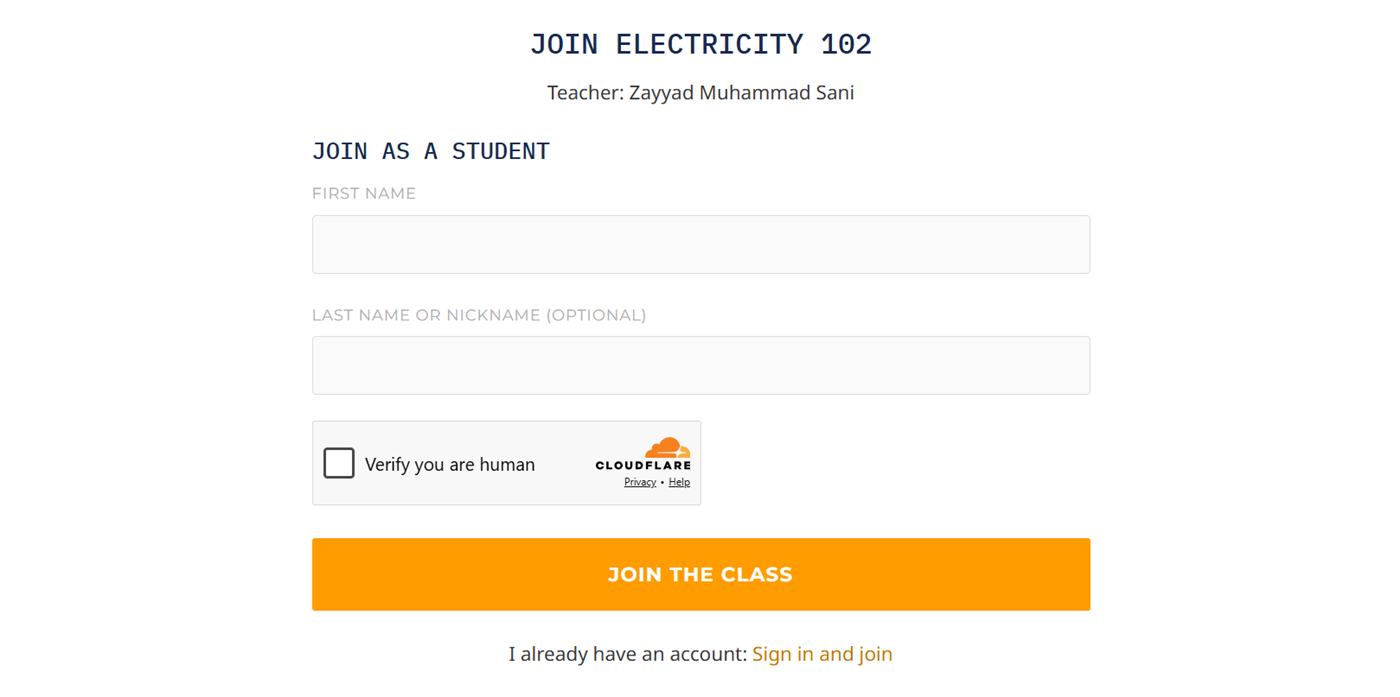
Manual enrolment: Your teacher will share a link to the classroom's enrolment page. On that page, you can enter your name (no email or password is required) and click Join the Class to enrol in the classroom.
Alternatively, if you have a DCACLab account, you can sign in and visit the enrolment link to join the classroom.