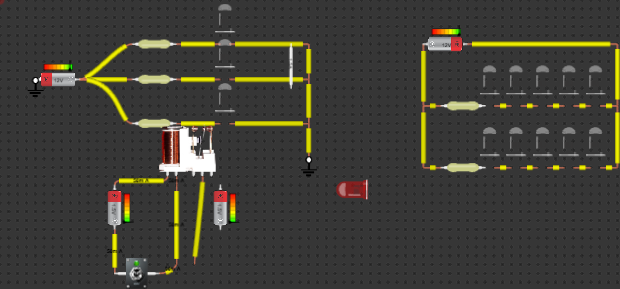
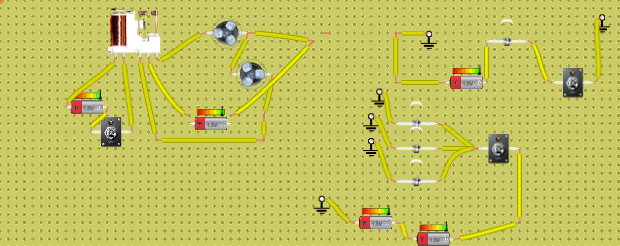
assemble website
Here's a step-by-step guide to assembling the circuit virtually: Go to CircuitLab or Falstad and create a new circuit. Drag and drop the following…
Teaching with circuits?
Create a classroom, give your students a circuit to build, and review what they submit.
See classroom plansHow it works
Here's a step-by-step guide to assembling the circuit virtually:
Go to CircuitLab or Falstad and create a new circuit.
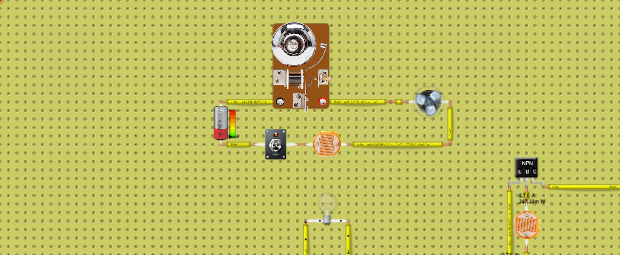
Drag and drop the following components onto the workspace:
1 x Bulb (or LED)
1 x Switch
1 x Battery (or Power Source)
1 x Wire (or Connection)
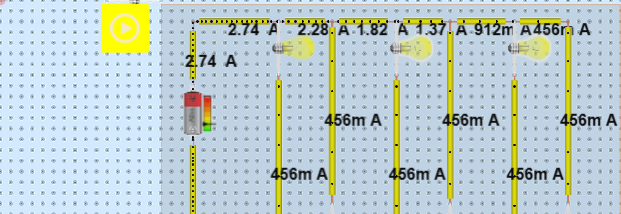
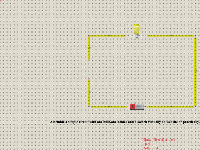
Connect the components as follows:
Connect the positive terminal of the battery to one end of the switch.
Connect the other end of the switch to the bulb.
Connect the negative terminal of the battery to the other end of the bulb.
Close the switch to turn on the bulb.
What's inside
- 1× Battery
- 1× Switch
- 1× Lamp